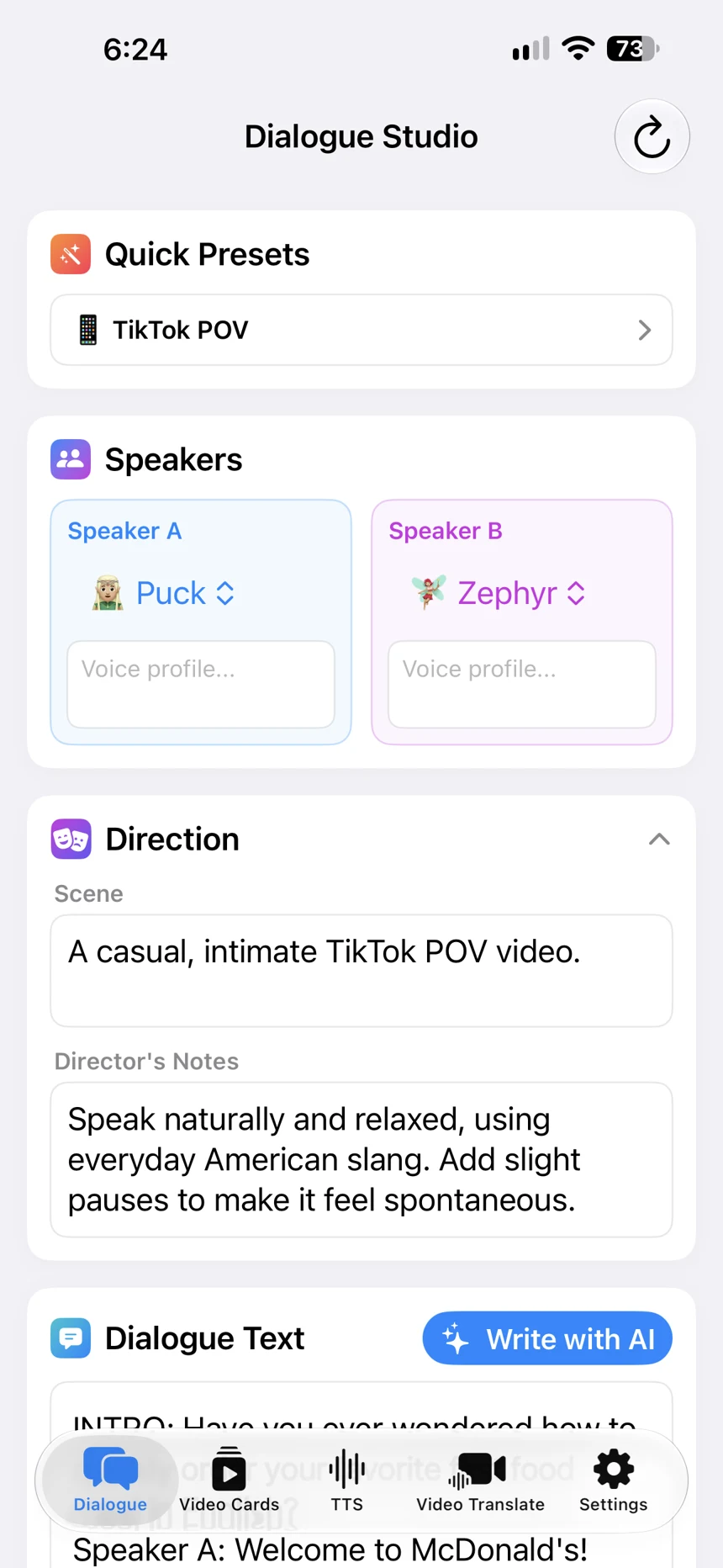
Turn your text or ideas into audio and ready-to-share videos on your iPhone.
Free to try · No account required
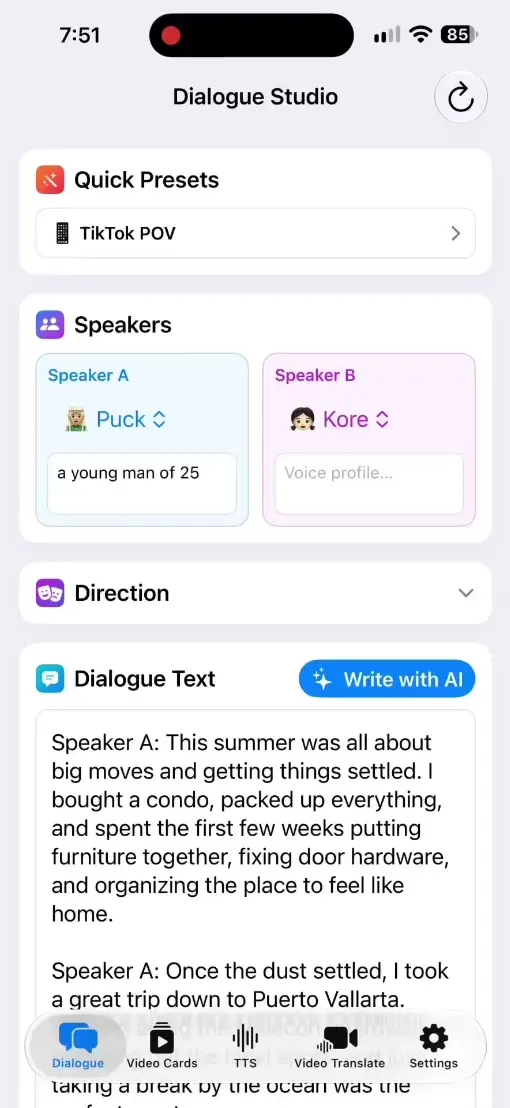
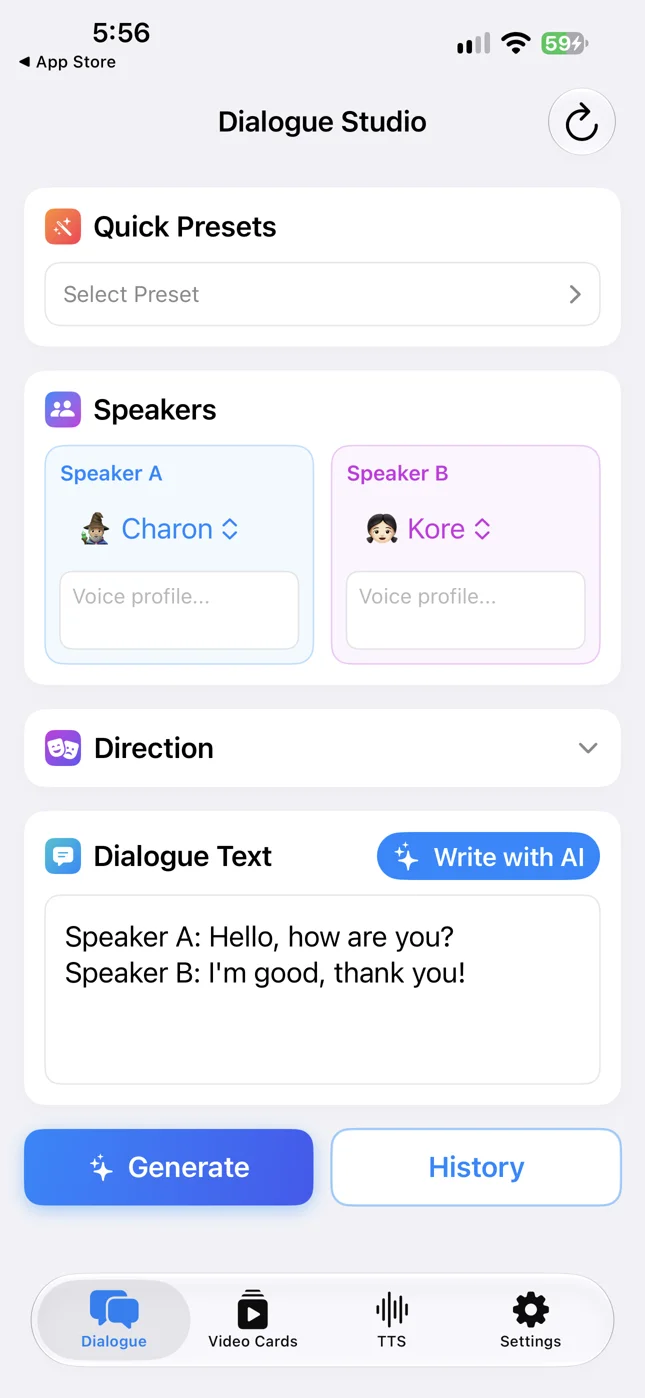
Actual app screenshots from the App Store
↗Vertical & horizontal video♫Two AI voicesAaBilingual cards & voiceovers
One app. Three ways to create.
From an idea to something you can share.
Make a conversation, build a bilingual lesson, or give your words a voice — right on your iPhone.
01 / DIALOGUE STUDIO
Two voices. One conversation.
Turn a topic into a dialogue people can hear — and watch.
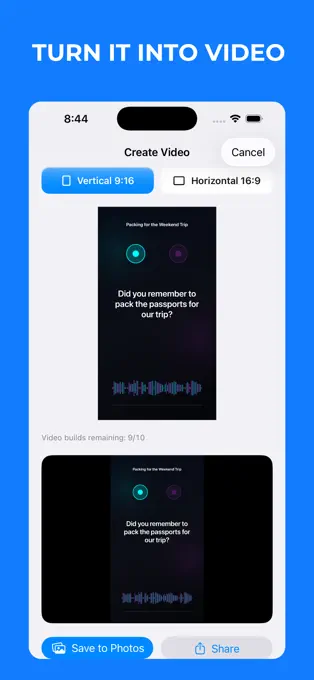
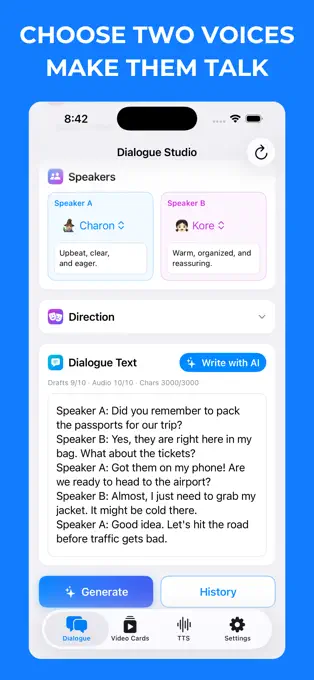
Start with an idea. AI Dialogue Writer drafts a two-speaker script you can edit. Choose a voice for each speaker, generate the audio, then create a vertical or horizontal video with subtitles.
Create practice conversations, short scenes and spoken stories
Use the dialogue audio on its own
Share a subtitled video in the format you need
Shown: a travel dialogue in the published app.
02 / BILINGUAL VIDEO CARDS
A little lesson. A finished video.
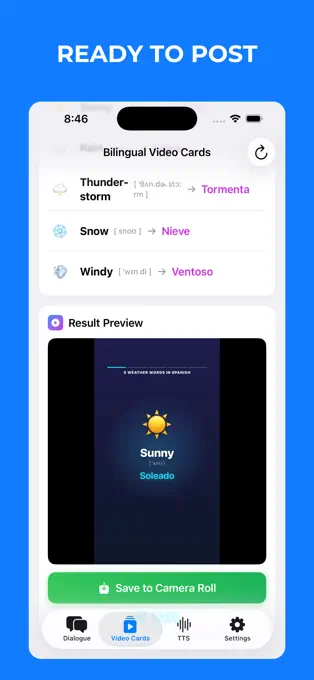
Make five bilingual cards with voiceover, ready to share.
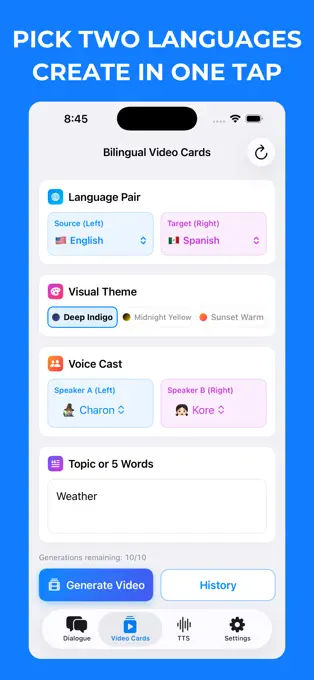
Choose two languages from 15 supported languages, then add a topic or your own words. Tau34 creates a set of five cards with source text, translations and AI voices, and turns the set into a video.
Choose from 15 supported languages
Create vocabulary and phrase videos for learners
Preview the result and save your finished video
Shown: an English–Spanish weather set. See a finished card at the top of this page.
60+TTS languages
240+AI voices
Your paceAdjust speech speed
Your toneAdjust voice pitch
03 / TEXT-TO-SPEECH
Give your text a voice.
Create AI voiceovers without recording your own audio.
Add your text, select a language and voice, and fine-tune the speed and pitch. Generate speech for narration, learning materials or social content, then save the audio.
Explore 240+ voices across 60+ languages
Control how fast and how high or low the voice speaks
Save and share your generated audio
How it works
Bring the idea. Tau34 brings it to life.
Add your text or topic
Write a voiceover, describe a dialogue, or choose words for a bilingual card set.
Choose your voices and settings
Select the options for your project — voices, languages, speed, pitch or video format.
Generate and share
Preview your audio or video, then save it and share it with your audience.
You can create two-speaker AI dialogues as audio or subtitled video, sets of five bilingual Video Cards with voiceover, and text-to-speech audio. Dialogue videos can be vertical or horizontal.
Which languages are supported?
Text-to-Speech offers 240+ voices in 60+ languages. Bilingual Video Cards supports 15 languages. Available languages and voices vary by feature; you can browse them in the app.
Can I try it for free?
Yes. You can try Tau34 with a limited free allowance, without creating an account. Full access requires a Pro subscription. Current free limits, subscription options and prices are shown in the app before purchase.
Can I save and publish my results?
Yes. Save your generated audio or finished videos, then share them to your preferred platforms. Free export limits may apply; check the current allowance in the app. Use content you have the rights to publish.
Where can I use Tau34?
Tau34 is an iOS app for iPhone and iPad. The current App Store version requires iOS or iPadOS 17.6 or later.
Your next creation starts here
An idea. A voice. A video.
Make your first dialogue, bilingual card set or voiceover with Tau34 AI Video & Voice Studio.
Free to try · No account required · Pro subscription available
Latest guides
Practical walkthroughs for creating dialogues and voiceovers in Tau34.
Create AI narration on iPhone with one speaker in Tau34. Use a ready script, voice presets and a real example with audio, video and Save to Files steps.
Choose between text-to-speech, AI dialogue audio and bilingual video cards on iPhone. Compare Tau34 workflows and find the right guide for your project.